

Veeqo Shipping plan
Price
FREE
Users
Unlimited
Shipments
Unlimited

Manage, edit, and fulfil all your orders from one system. Managing multiple stores and marketplaces has never been easier.
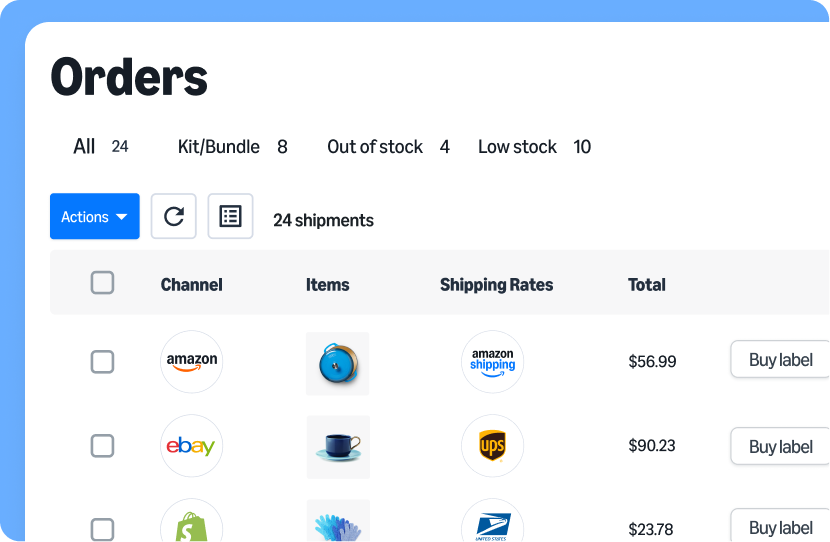







As soon as you make a sale, Veeqo automatically imports orders from Amazon, eBay, Shopify, Walmart and more.
View and filter orders by channel, SKU, fulfillment status, or priority, so your team always knows what to work on next.
Edit, merge, split, or duplicate orders in seconds to handle changes without slowing fulfillment.
Add notes, tag teammates, and track every action in a shared order history to keep your team aligned.
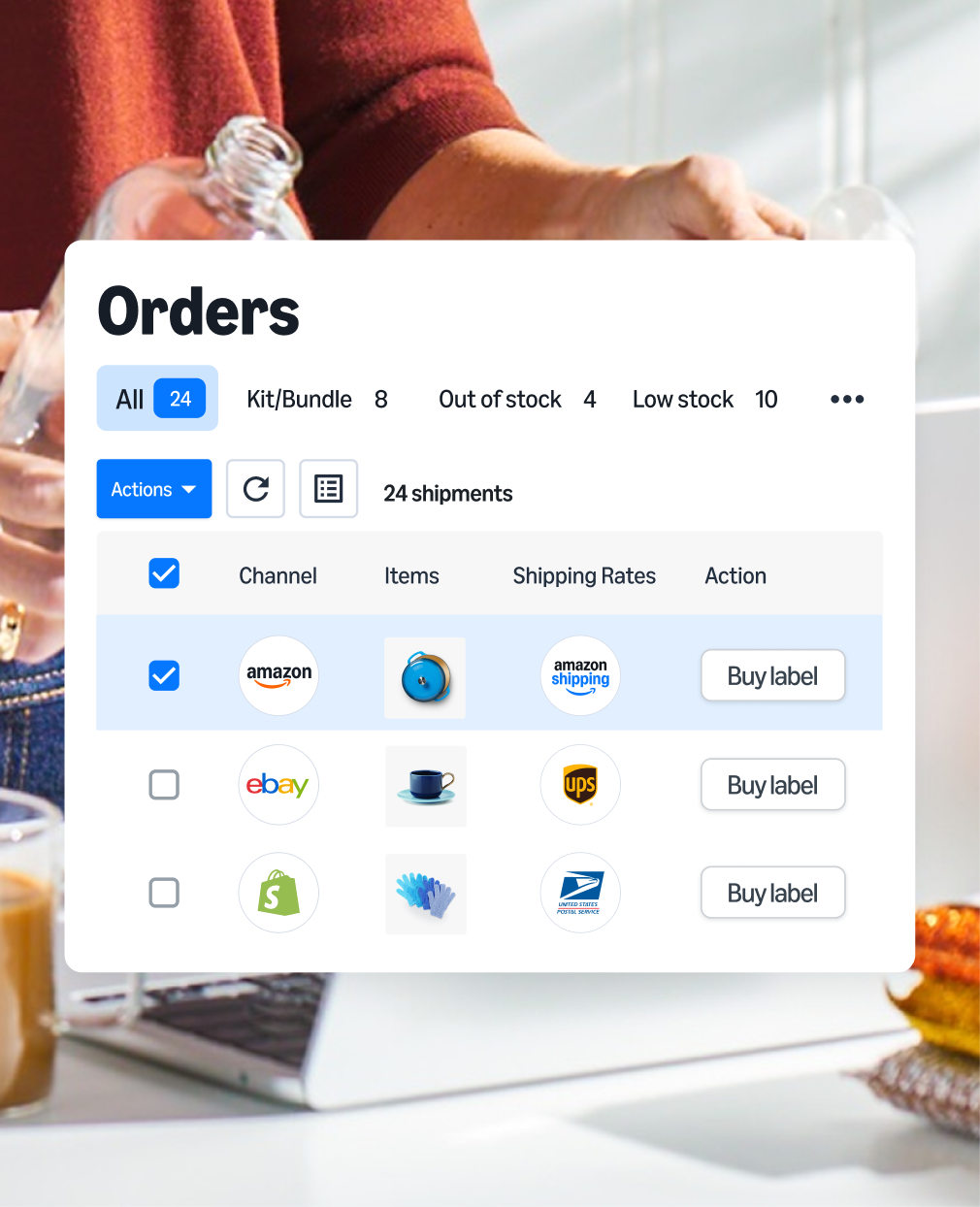
As soon as you make a sale, Veeqo automatically imports orders from Amazon, eBay, Shopify, Walmart and more.
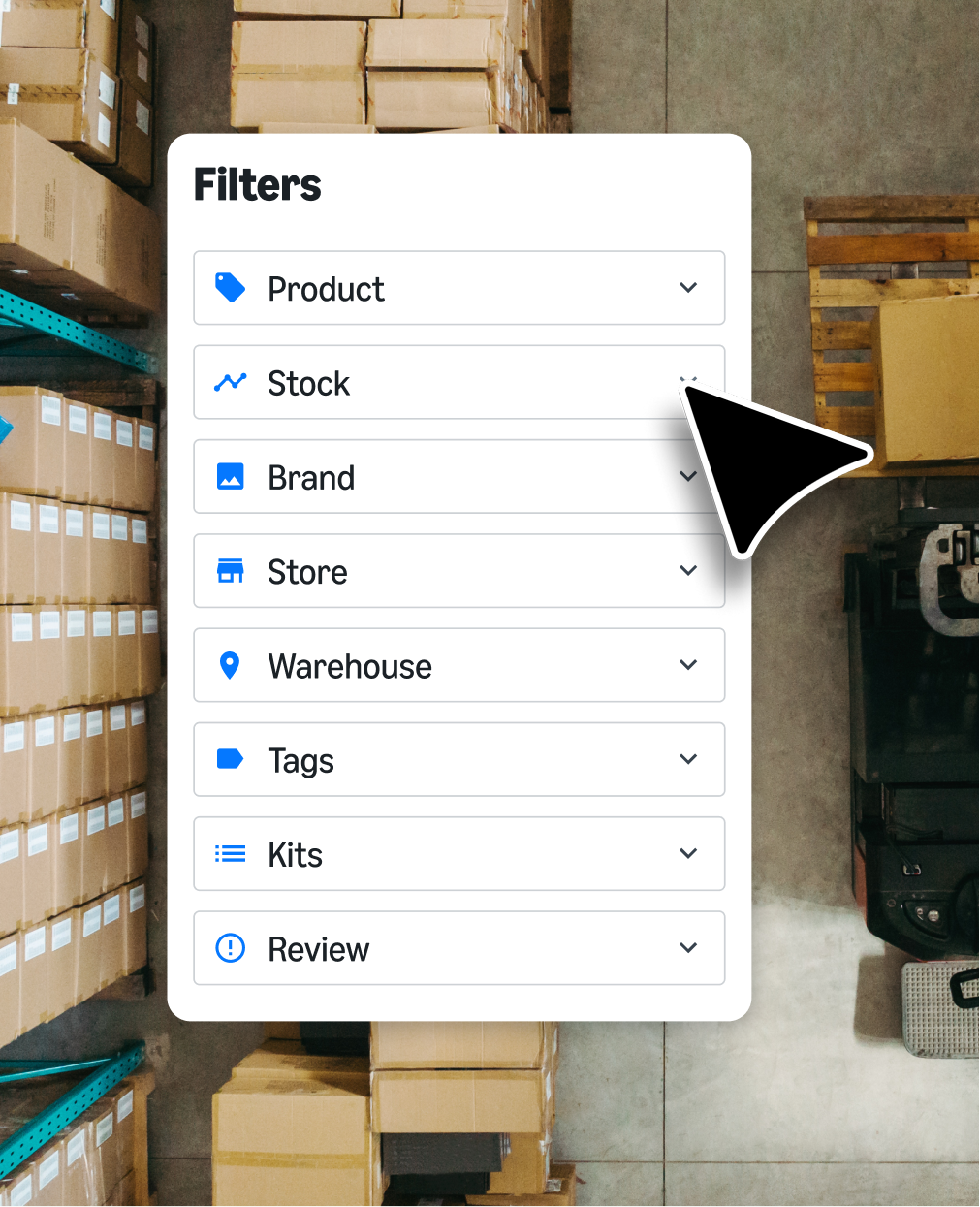
View and filter orders by channel, SKU, fulfillment status, or priority, so your team always knows what to work on next.
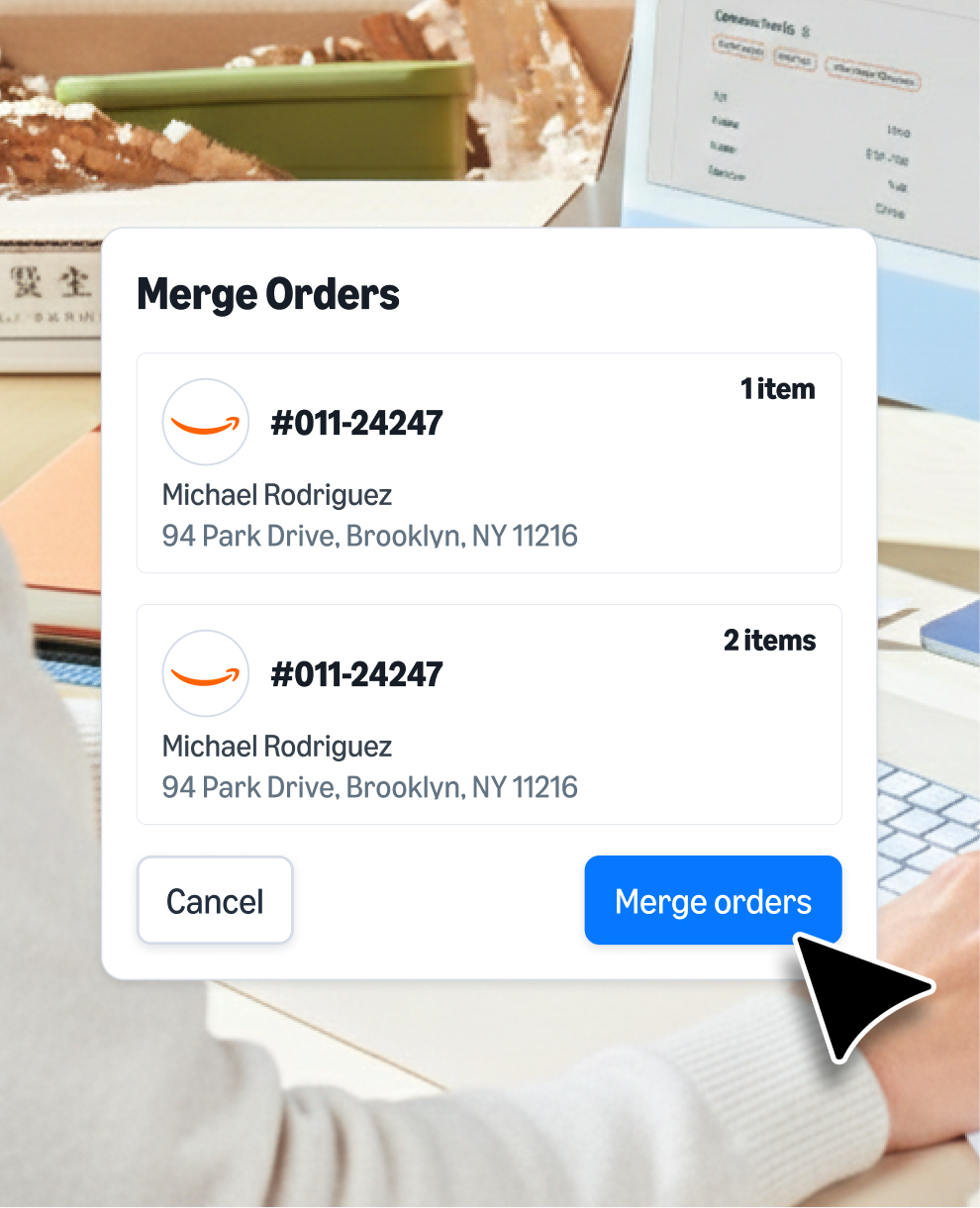
Edit, merge, split, or duplicate orders in seconds to handle changes without slowing fulfillment.
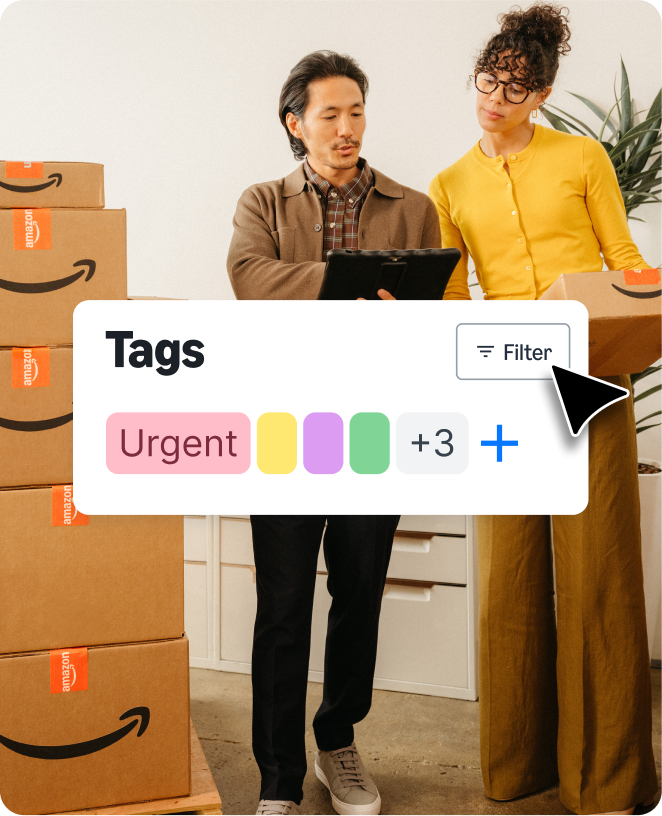
Add notes, tag teammates, and track every action in a shared order history to keep your team aligned.

Adam Awan | CEO, Awan Marketing
As order volumes grow, manual processes break down. With Veeqo, you can create streamlined workflows to keep fulfillment moving.

Build team dashboards and user-specific views, tailored to how your business actually works.
Categorize orders and flag important information by creating custom tags.
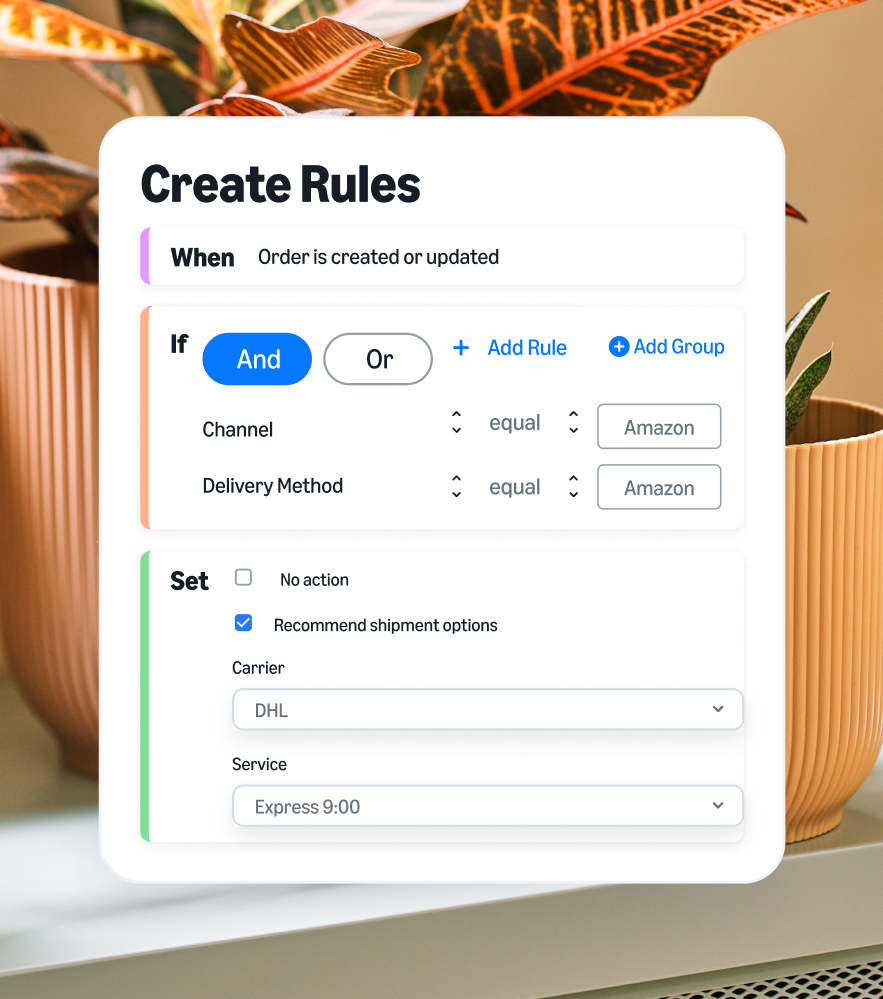
Use rules to automate manual tasks - for example, select shipping service based on order value, or determine packaging based on weight.
Generate picking batches based on your team’s needs – filter by delivery date, bin location, carrier and more.

© 2026 Veeqo Ltd, P.O. Box 81226, Seattle, WA 98108-1226