
Veeqo, an Amazon company

Welcome to Veeqo:
Amazon's free multichannel shipping software

In this onboarding hub, you'll find step-by-step guides to set up your Veeqo account. Learn how to connect sales channels and carriers, configure shipping rules, and automate your workflows to maximize multichannel efficiency.
Preview image
Video

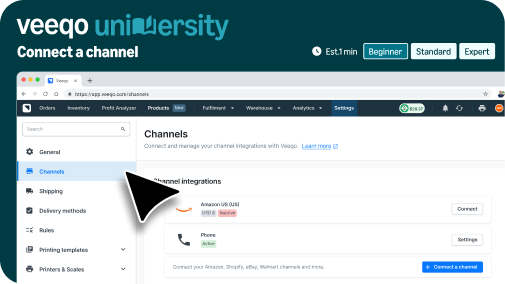
Connect a channel

How to connect your online stores and marketplaces to see all your orders in Veeqo.

Preview image
Video

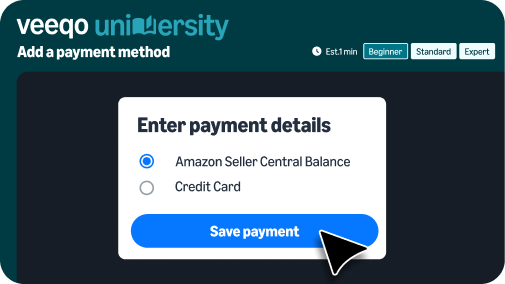
Adding a payment method

How to add your payment method to buy shipping labels for your orders.

Preview image
Video

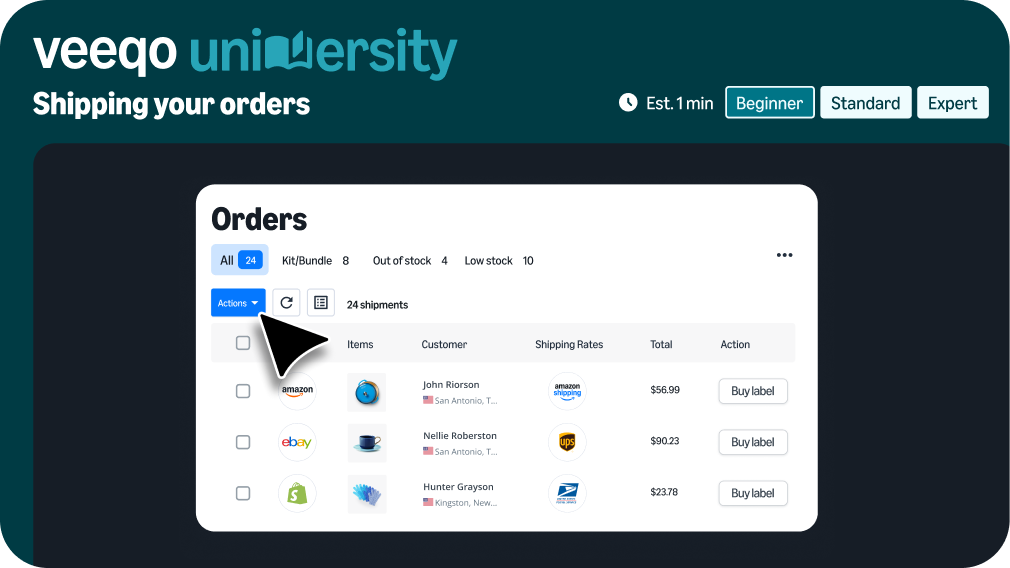
Ship first order

Learn how to compare shipping rates and buy and print your label.

Preview image
Video

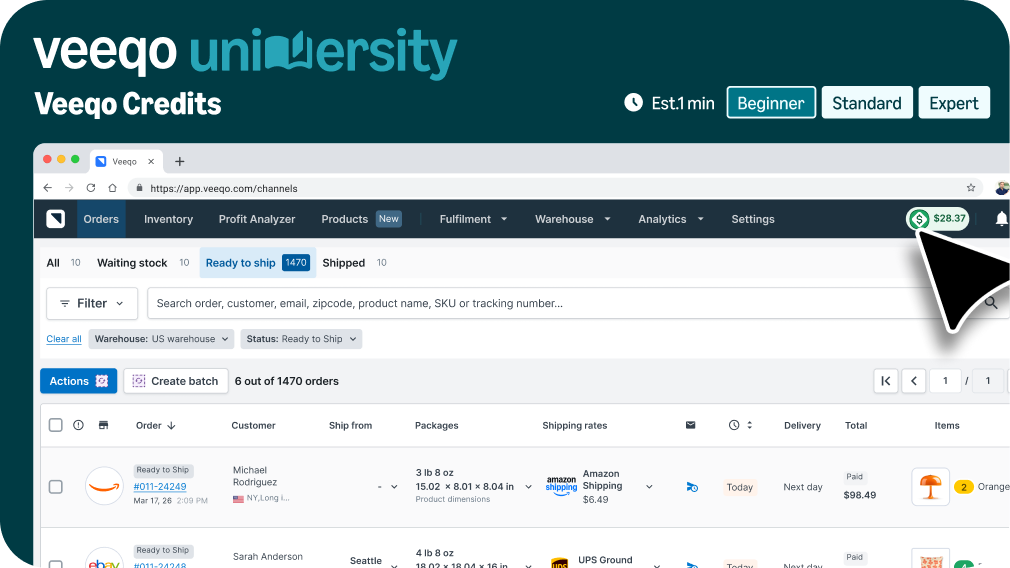
Veeqo Credits

Learn how to earn up to 5% back on eligible shipments.

Preview image
Video

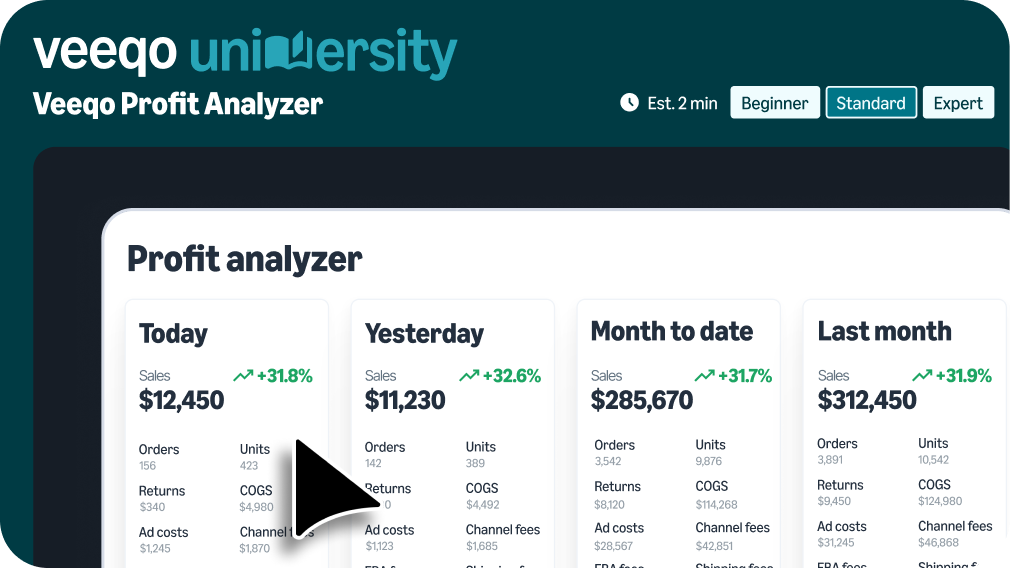
Veeqo Profit Analyzer

Learn how to view and analyze your profitability data.

Preview image
Video

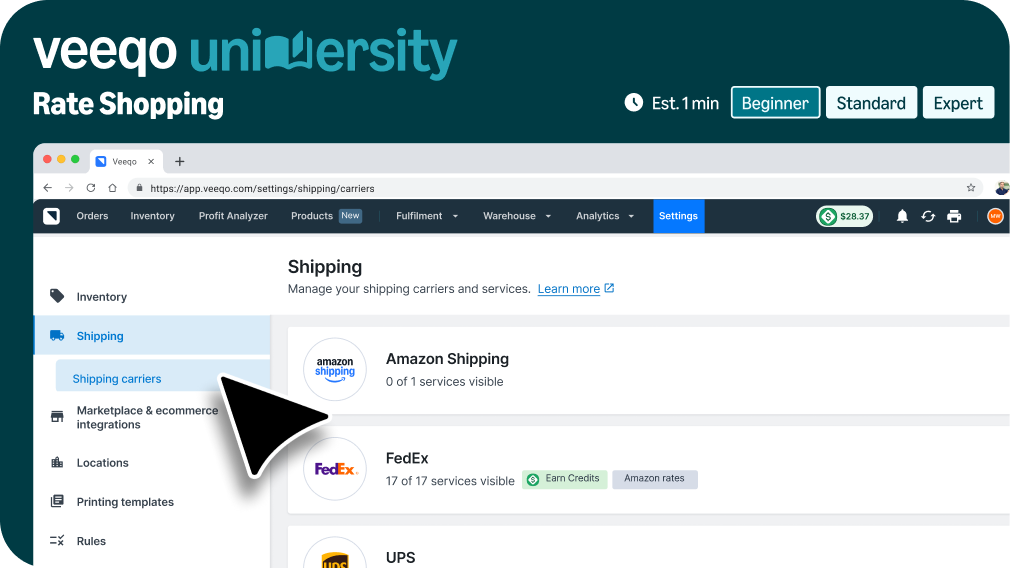
Veeqo Rate Shopping

Learn how Veeqo helps you save on every shipment with automatic Rate Shopping.

Preview image
Video

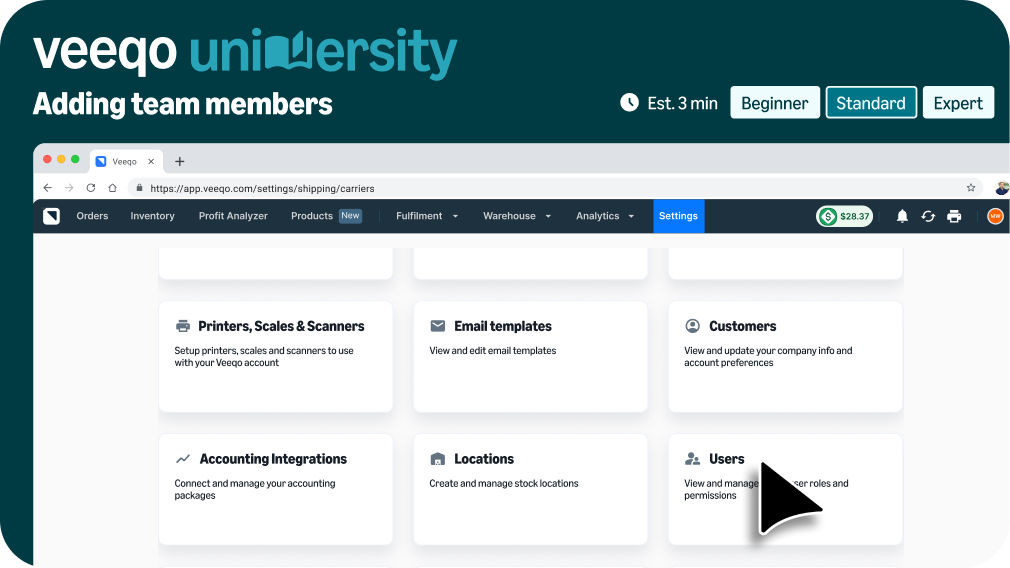
Adding team members

Learn how to turn on 2FA, add users, and manage permissions.

Preview image
Video

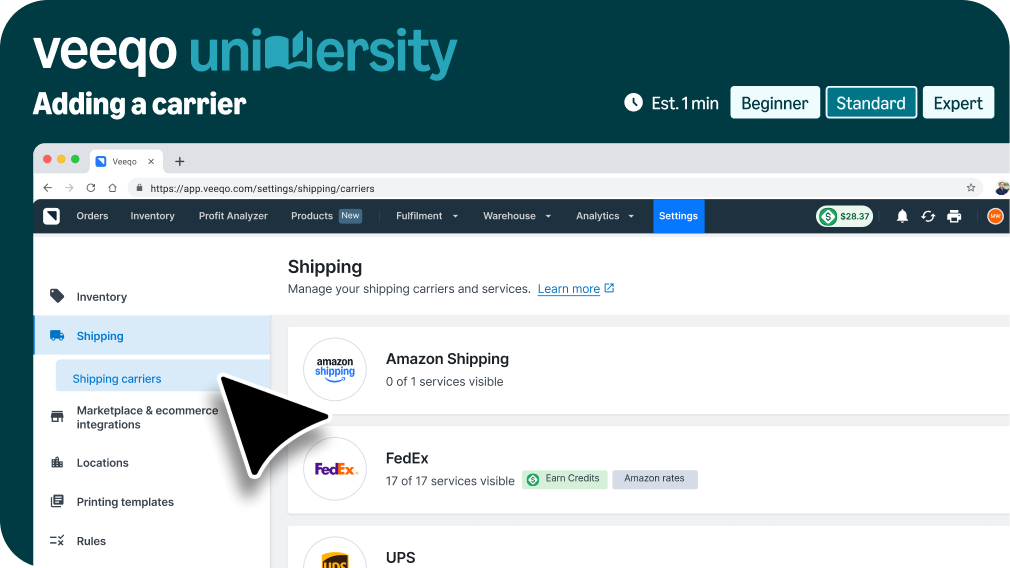
Adding a carrier

Learn how to connect your own carrier account and rates to Veeqo.

Preview image
Video

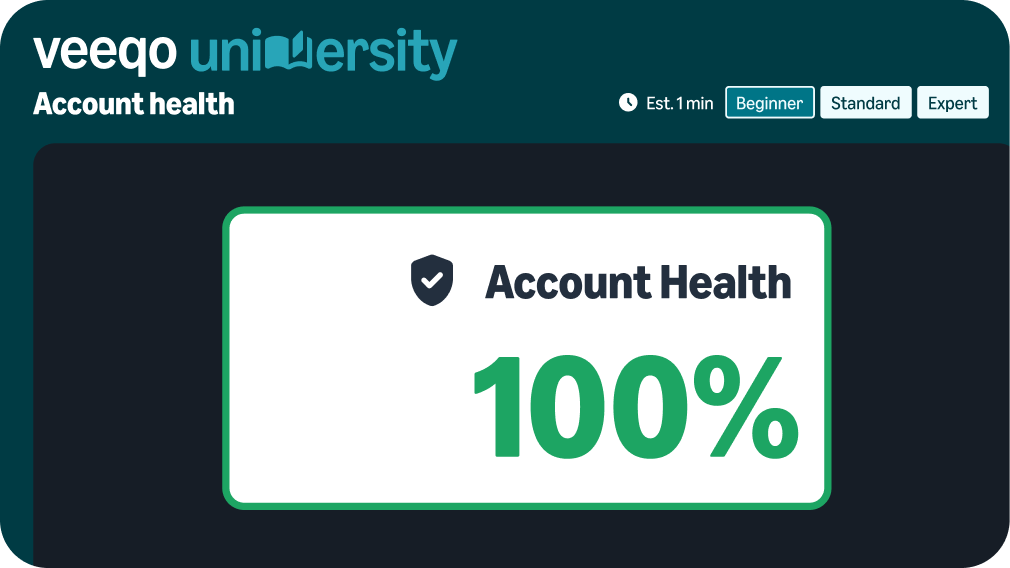
Amazon Account Health

Learn how Veeqo can protect your account health metrics.

Preview image
Video

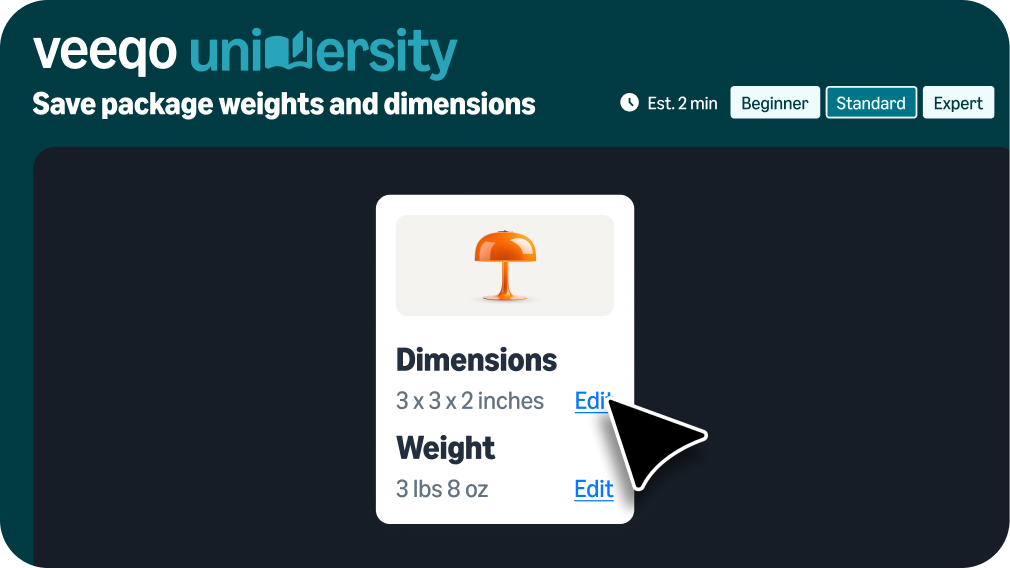
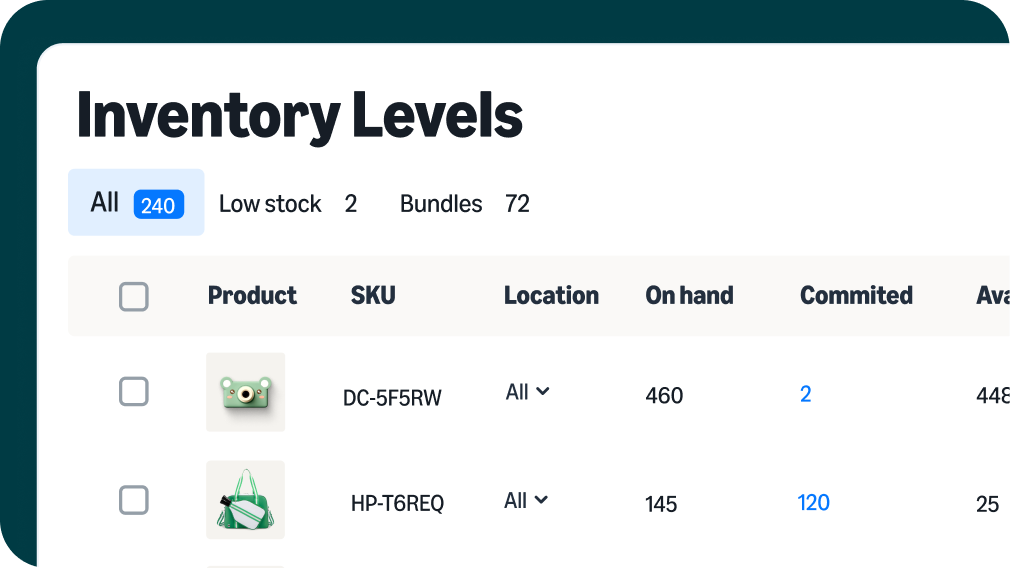
Saving package weights and dimensions

Learn how to save weights and dimensions to help save on shipping costs.

Preview image
Video

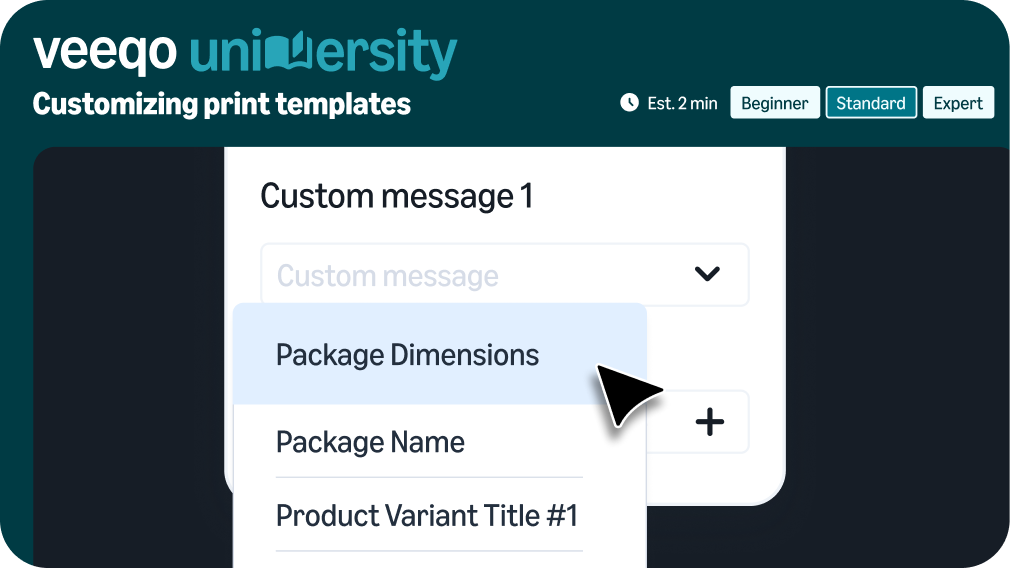
Customizing print templates

Learn how to customize your branding with print templates.

Preview image
Video

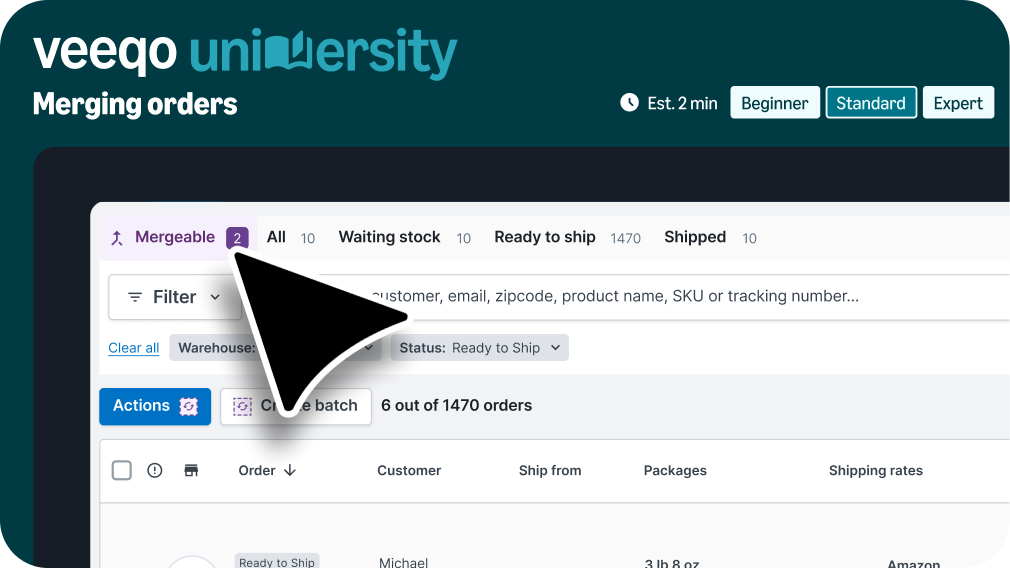
Merging orders

Learn how to streamline fulfillment by merging orders.

Preview image
Video

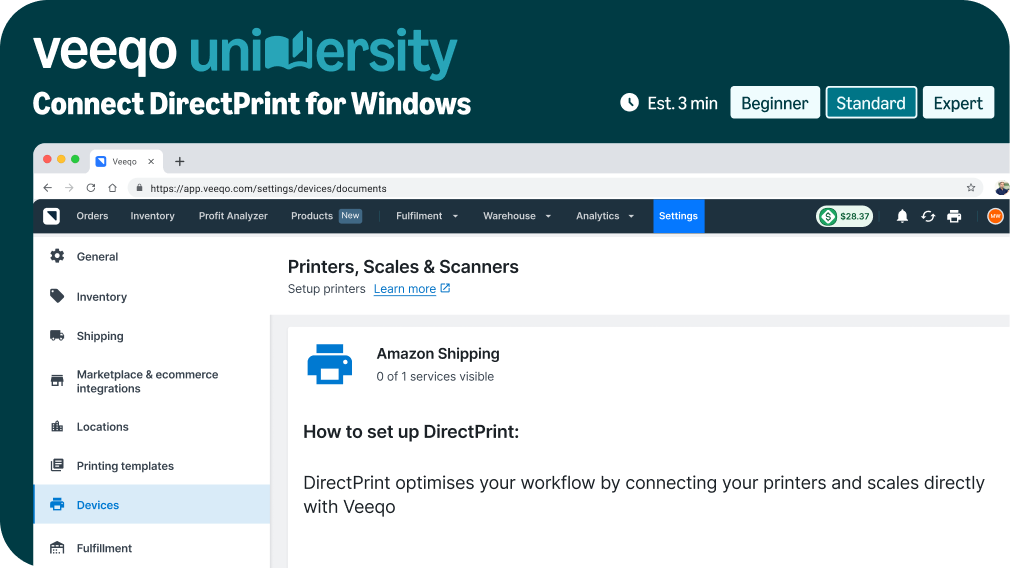
Connect DirectPrint for Windows

Learn how to set up automatic printing for Windows users.

Preview image
Video

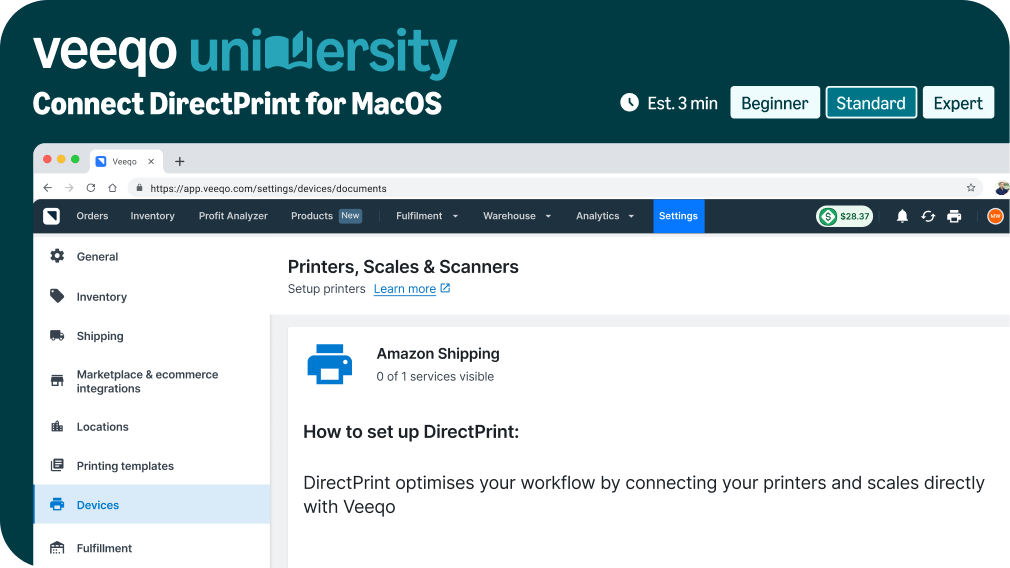
Connect DirectPrint for MacOS

Learn how to set up automatic printing for Mac users.

Preview image
Video

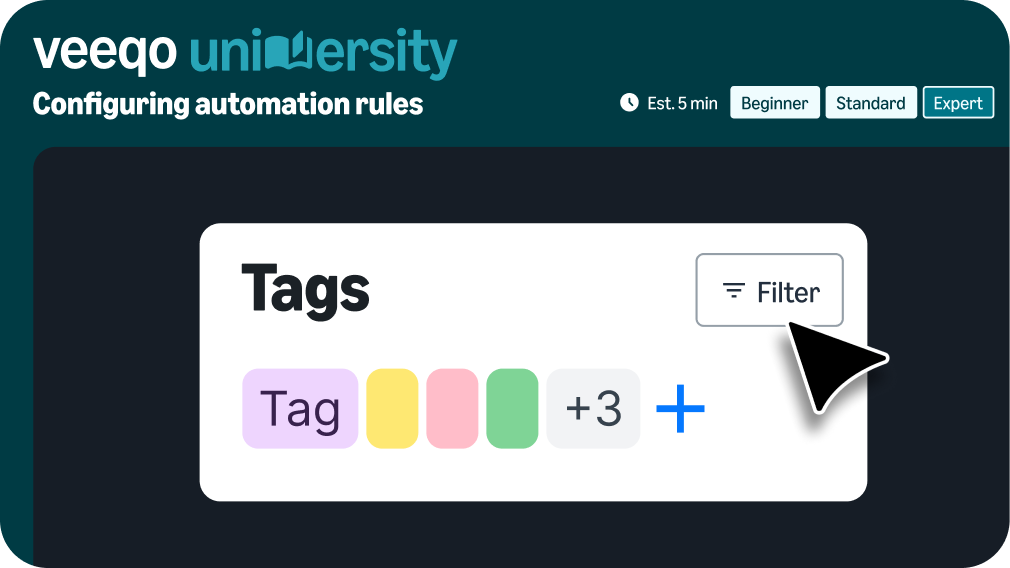
Configuring automation rules

Learn how to create product tags and configure automation rules based on them.

Preview image
Video

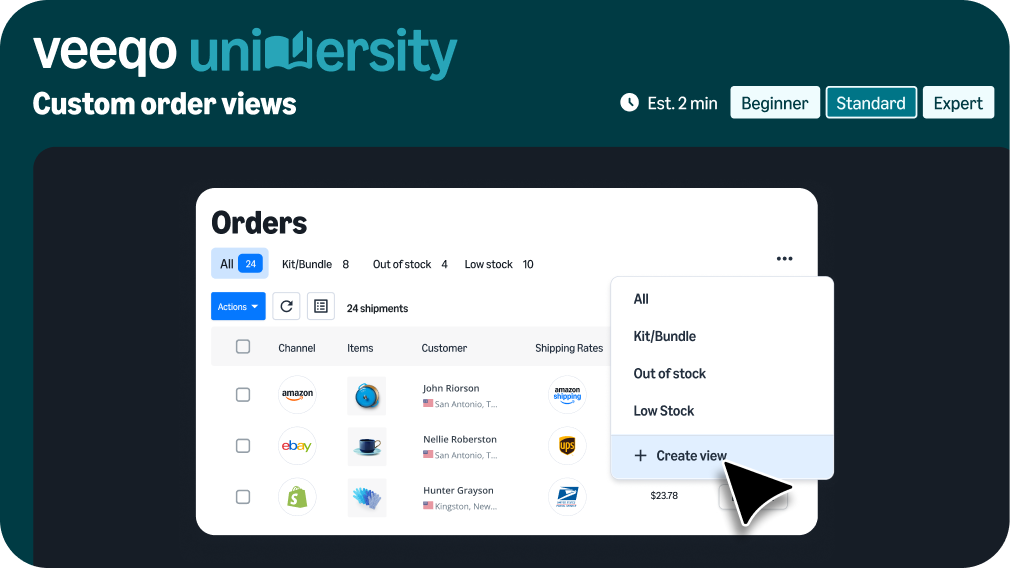
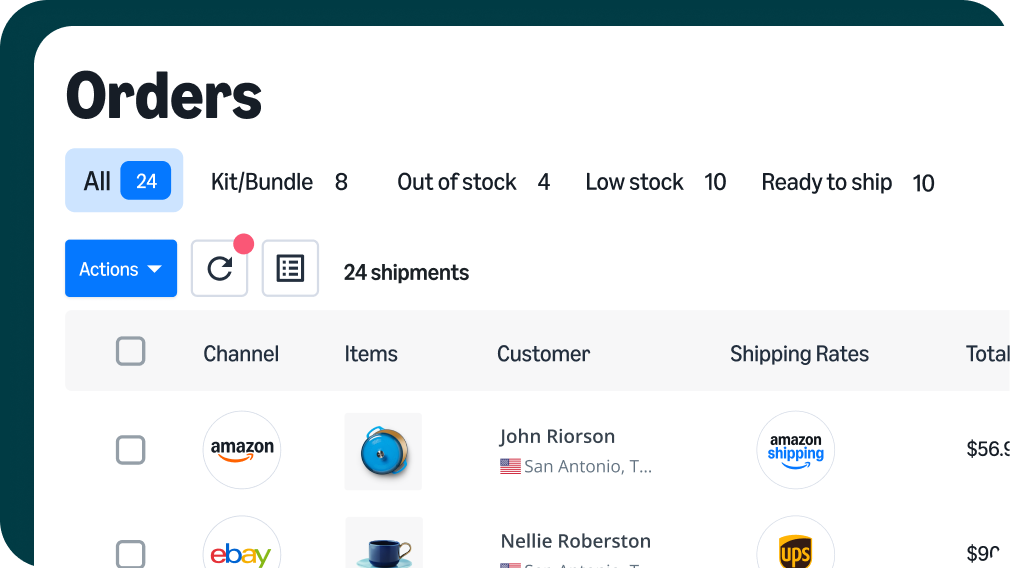
Order views and table customization

Learn how to customize the orders table and save your views.

We're here to support you

artwork (2) desktop computer

Online chat

Log in to Veeqo, click the question mark in the top right corner, and select “Chat with us” to access 24/7 support.

Log in

hand with heart

Book a demo

Schedule a live demo with our Seller Success team. We’ll walk you through Veeqo’s key features and answer your questions.

Book a demo

email icon

Email support

Prefer to chat by email? Send your questions to helpme@support.veeqo.com