How to Ship Temu, TikTok Shop, and Shopify Orders From One Place
3 min
- Caitlin Thomas

More than 95% of independent sellers sell on multiple channels — and each marketplace brings a fresh crowd of buyers. The more places you sell, the more it pays to run them all from one place. With Veeqo, your Temu, TikTok Shop, Shopify, and other orders come together in one spot, ready to manage and ship. That's multichannel order management built around the way you actually sell.
Veeqo connects to 240+ marketplaces and systems, so wherever you sell, you can bring it into Veeqo. Here's how to get your stores connected.
Bring your stores together in four steps
Think of setup as unpacking before you decorate: a few minutes of prep now saves you cleanup later. Veeqo's ecommerce channel integrations cover Temu, TikTok Shop, Shein, Walmart, Shopify, WooCommerce, Newegg, and more, and you get started the same way:
Start with your fullest catalog: Add the channel that holds your most complete product catalog first, so Veeqo builds your product list from your strongest source.
Tidy product details on that channel first: Veeqo creates products from the listings it finds, so it pays to update titles, SKUs, and details on the channel itself before you add it.
Connect it in Settings > Channels: Choose the channel and follow the prompts for your store.
Match SKUs on your other channels: Update the SKUs on each additional channel to match the ones in Veeqo, and listings link automatically by SKU.
If your SKUs already don't match, you can review and relink listings manually, or archive the channel and re-add it. Want the full walkthrough? Here's the step-by-step guide.
All your orders, one happy view
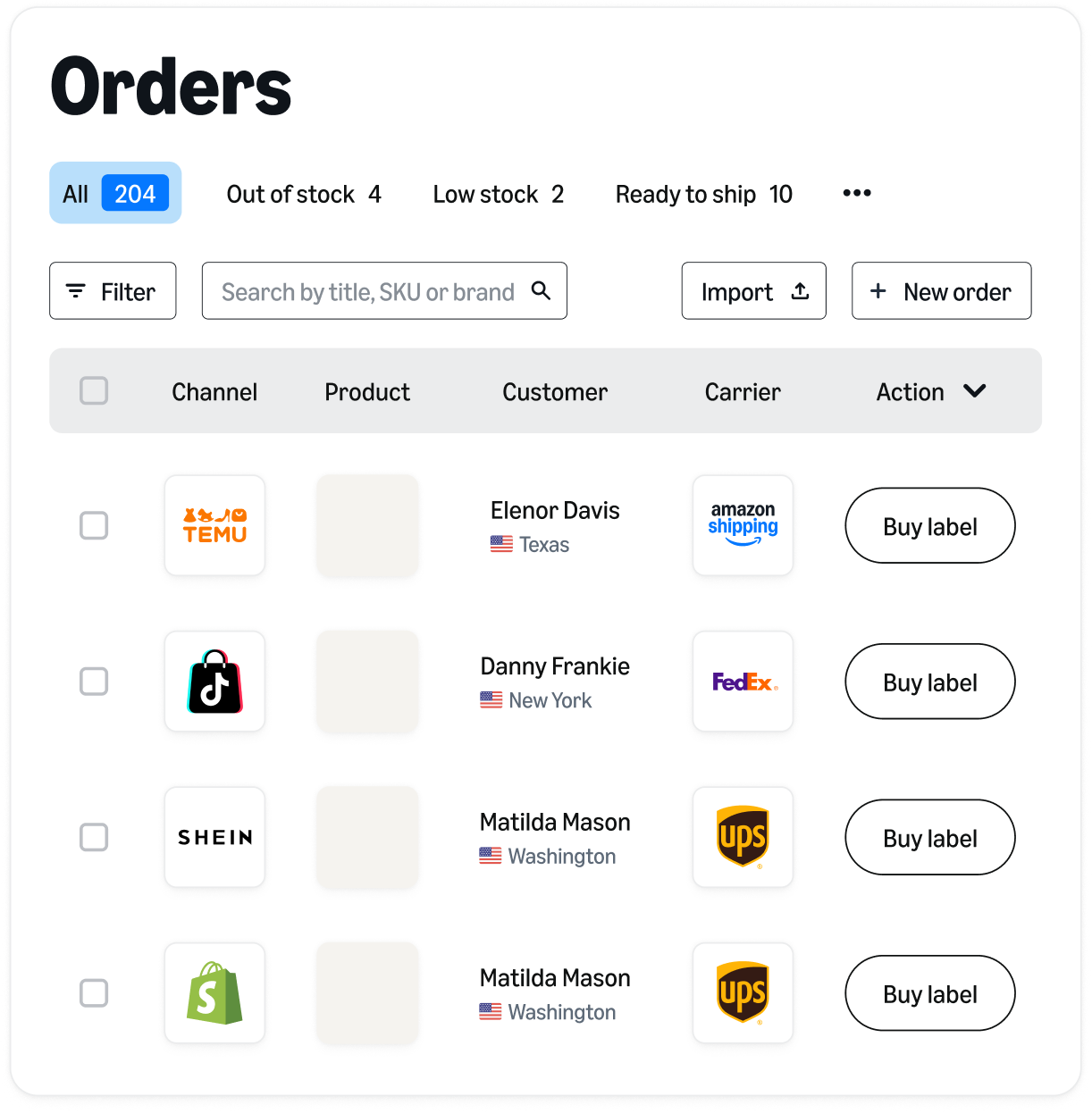
Here's where the setup pays off. Once your stores are connected, orders from every channel land together in one main Orders View. A Temu order, a TikTok Shop order, and a Shopify order sit side by side, each showing the channel it came from. Consider it your shipping day's home base.
From there, you work through every channel in one pass. Pick the orders you're ready to send, print labels for the whole batch at once, and ship, no matter which marketplace each order came from. Temu orders sync in every 10 minutes, so fresh sales keep rolling in through your day, and when you ship, tracking flows back to the channel where each order began. That's what multichannel shipping software is for: one place to run the shipping for everywhere you sell.
Here's how one seller sums it up:
"Previously, it would be three or four different systems, but now with Veeqo it's all in one"
— Adam Awan, CEO
Already on an OMS, WMS, or ERP? Bring it along
You can keep the systems you've built your business on. Veeqo plugs into the OMS, WMS, or ERP you already run, so your shipping gets stronger while your workflow stays yours.
Veeqo is Rithum's official recommended shipping partner, so if you sell through Rithum, you can buy and print labels right inside your existing Rithum workflow, with no monthly fees or fixed contracts. Running Sellercloud or NetSuite? Those connect to Veeqo too.
Claim your Free Rithum consult
Before and after: your shipping day, unboxed
Before: If you're shipping from each channel's own dashboard, one order can mean opening it, copying the address, buying a label, and pasting the tracking number back in, then repeating it all on the next tab.
After: Connected orders appear together in Veeqo. You review them in the Orders View, pick and pack, choose a shipping service, print labels, and ship. Tracking returns to each channel on its own.
Connect your stores, and every new marketplace you open ships from the same place as the rest.